
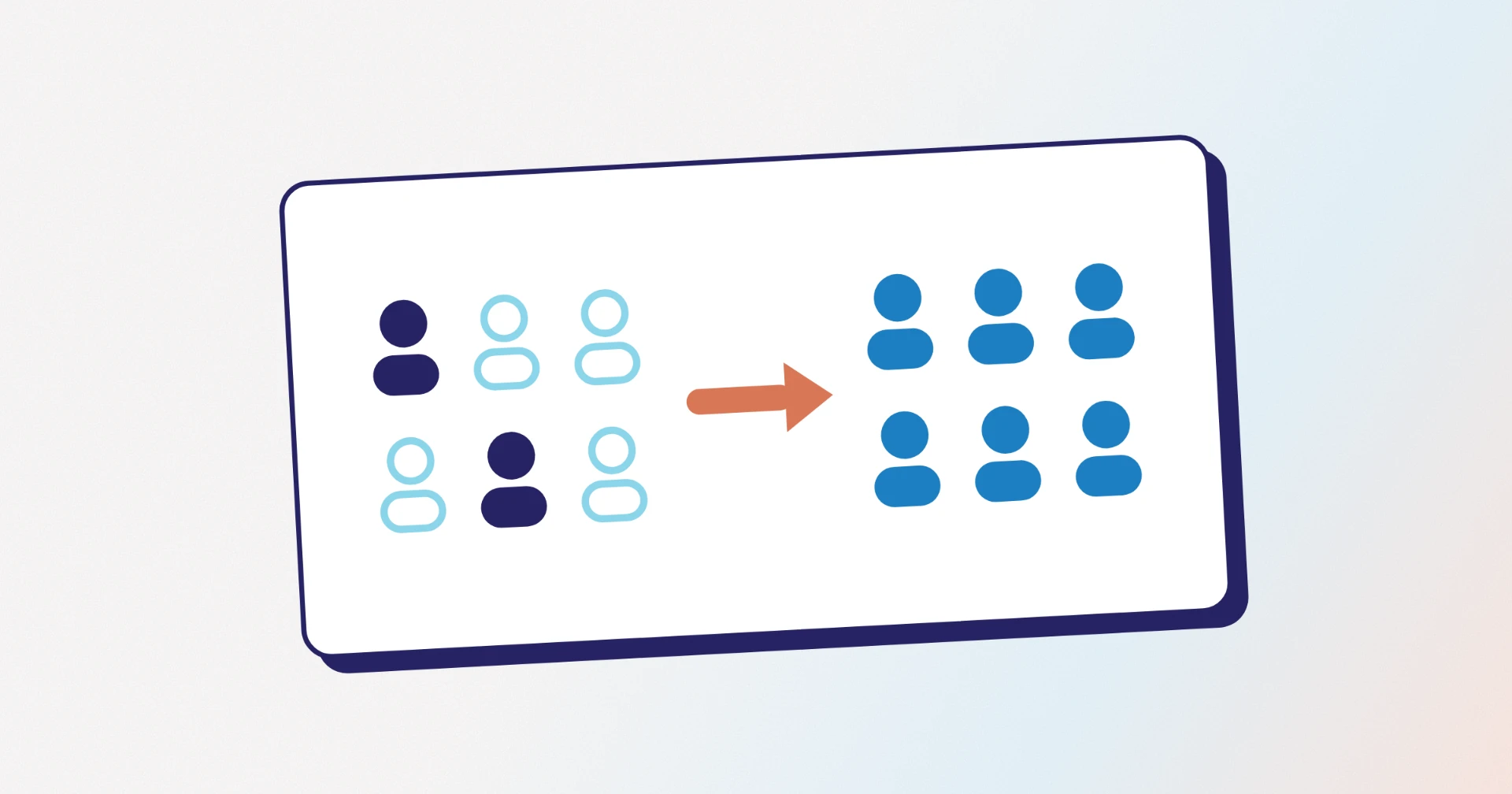
Most unused AI licenses are a habit problem. Before you cancel a seat, check the usage data, give the person a real chance to learn how the tool fits their work, and make AI use an expectation.
This guide is for IT directors and CIOs looking at a renewal with idle seats in Microsoft 365 Copilot, ChatGPT Enterprise, Amazon Quick, Claude or Gemini. Every one of these platforms shows exactly who uses their license and how. Here is how to read that data, a fair opt in process before you reclaim seats, and the ownership model that keeps unused AI licenses from coming back.
The short version
- People go back to old habits once the launch energy fades. Many use AI only for simple tasks and never try the features that automate real work.
- Every major AI platform shows active users, prompts and feature use per person. Check it before any renewal.
- Send up to three notices with a training offer before you reclaim a seat.
- If leadership believes AI will improve business processes, using it should be expected, with managers approving requests and overages.
- Teach people what consumes credits and agent hours, because some prompts cost far more than others.
Why AI licenses go unused after the hype
AI licenses go unused because people return to the way they have always worked. The launch creates curiosity. Without help seeing how the tool fits their daily tasks, most employees either go back to doing the work manually or use AI for the simplest jobs only.
What we see in rollouts is consistent. Someone will ask Copilot Chat to summarize a report, which is useful. They will not ask Copilot Cowork to pull the data, build the summary, draft the email and file the result, because nobody showed them that a three or four step process they repeat every week can be automated.
The research matches. In a Gartner survey of 132 IT leaders reported by Computerworld, 57 percent said user engagement declines quickly after implementation, and 72 percent said employees struggle to fit the tool into their daily routines. That pattern holds for every AI assistant we deploy.
How to see who is actually using their AI license
Every major platform gives admins clear usage data, so there is no reason to guess. Look at daily and monthly active use, prompts per person, how many apps or features each person touches, and how they spend credits or agent hours.
| AI tool | Where to look | What to check per user |
|---|---|---|
| Microsoft 365 Copilot | Copilot usage report in the Microsoft 365 admin center | Prompts submitted, active days, and last activity date in each app (Teams, Outlook, Word, Excel, PowerPoint, Copilot Chat) over 7, 28, 90 or 180 days |
| ChatGPT Enterprise | Workspace analytics | Seats enabled versus active, messages, GPT, project and connector use, power users, credits used |
| Amazon Quick | Index Dashboard in the admin console | Agent hours and index storage consumed, against limit profiles you set |
| Claude Team and Enterprise | Usage analytics | Active members versus assigned seats, chats, projects, artifacts, Cowork sessions, spend |
| Gemini for Google Workspace | Gemini usage reports in the Admin console | Usage level (high, medium, low, zero), active days and usage by app over 28 days |
Sort users into three groups: regular users, light users who only do simple tasks, and people with no activity. Light users are your biggest opportunity, because they already opened the door. For the habit and depth metrics that show adoption over time, see our 90 day recovery plan for stalled AI adoption.
Before you cancel: a three notice opt in process
Give every inactive or light user a fair chance to learn before you take the seat back. Cancelling first saves money, and it also throws away the process improvement the business paid for.
| Notice | Timing | What it says | What it offers |
|---|---|---|---|
| 1 | Week 1 | You have an AI license, and here is what people in your role use it for | A hands on session built on real tasks |
| 2 | Week 3 | We noticed you have not used it yet, and your manager is copied | A shorter session or office hours |
| 3 | Week 5 | Your seat will be reassigned on a set date unless you join a session or start using it | One final session date |
Run the process in this order:
- Pull the usage data for the last 28 or 30 days and list inactive and light users.
- Book the training first, so every notice includes a real date. Sessions should use each team's own documents and tasks. Our Prompt a Thon and Cowork Skill a Thon workshops are built this way.
- Send the three notices two weeks apart, and copy managers from the second notice.
- Check usage again after the final session.
- Reassign seats that stayed idle to people on a waiting list, and record each decision.
Make AI use an expectation, with managers in the approval loop
If leadership believes AI will improve business processes, using it should be expected. That decision belongs to the organization, and it needs a sponsor who explains why the investment matters, the same way using the CRM is expected.
Managers are the key. AI is there to support teams, and managers are responsible for those teams. Gallup found that manager support has the strongest association with how employees use and value AI, yet only 28 percent of employees say their manager actively supports their team's use of it.
We recommend two ownership models, depending on how your organization buys software:
| Model | How it works | When it fits |
|---|---|---|
| Owned by IT, charged back | IT owns and assigns licenses, and each business unit pays for its seats | The business unit gets the benefit, so it carries the cost |
| Centralized with manager approval | IT owns the budget centrally, and a manager approves every new request or usage overage | Chargeback is not possible, or AI is treated as shared infrastructure |
Either way, a manager should approve or decline when someone requests a license or goes over a usage limit. That keeps spend tied to the people who see the work every day.
Teach people what consumes credits and agent hours
Usage based features make license literacy part of adoption. Users need to know that some prompts are worth running and others cost more than they return.
Amazon Quick is a clear example. Its pricing includes up to 8 agent hours per user per month on Professional and up to 18 on Enterprise, with extra hours at 3 dollars each. Since August 2026, admins can set limit profiles that cap agent hours per user, role or account.
We are working with an enterprise distribution client right now that is reclaiming Amazon Quick licenses because the budget is not endless. They also set limit profiles on agent hours and teach users how prompts consume them. Asking a Quick agent to review all your tasks over 30 days uses far more agent hours than asking for the last 7 days, and some recurring prompts are not worth running at all.
The same lesson applies to Copilot Credits for Cowork, ChatGPT Enterprise credits and Claude usage limits. Add a short module on cost to every training session.
Callout: Taking back an AI license before anyone has shown the person how to use it is like taking the car keys away before the first driving lesson.
Our decision rule for clients: check the usage, offer the training, set the expectation, then decide on the seat.
What IT leaders should do next
- Pull usage reports for every AI tool you license and sort users into regular, light and inactive.
- Name an executive sponsor who will make AI use an expectation.
- Decide on chargeback or centralized ownership, and add manager approval for requests and overages.
- Schedule role based training before you send any notice.
- Run the three notice opt in process before your next renewal.
- Set usage limits where your platform supports them, and teach users what consumes credits.
- Hold off on new AI tools until the ones you own are used.
How Change Champions helps
Change Champions Consulting has helped more than 500 organizations and 60,000 users adopt new technology, grounded in PROSCI and ADKAR. We help you recover the value in AI licenses you already own before you cut seats or buy more.
- License and usage review across Copilot, ChatGPT Enterprise, Amazon Quick, Claude and Gemini
- Hands on sessions built on real work, including Prompt a Thons and Cowork Skill a Thons
- Manager and sponsor coaching so AI use becomes part of how teams work
Learn more about our AI enablement services.