
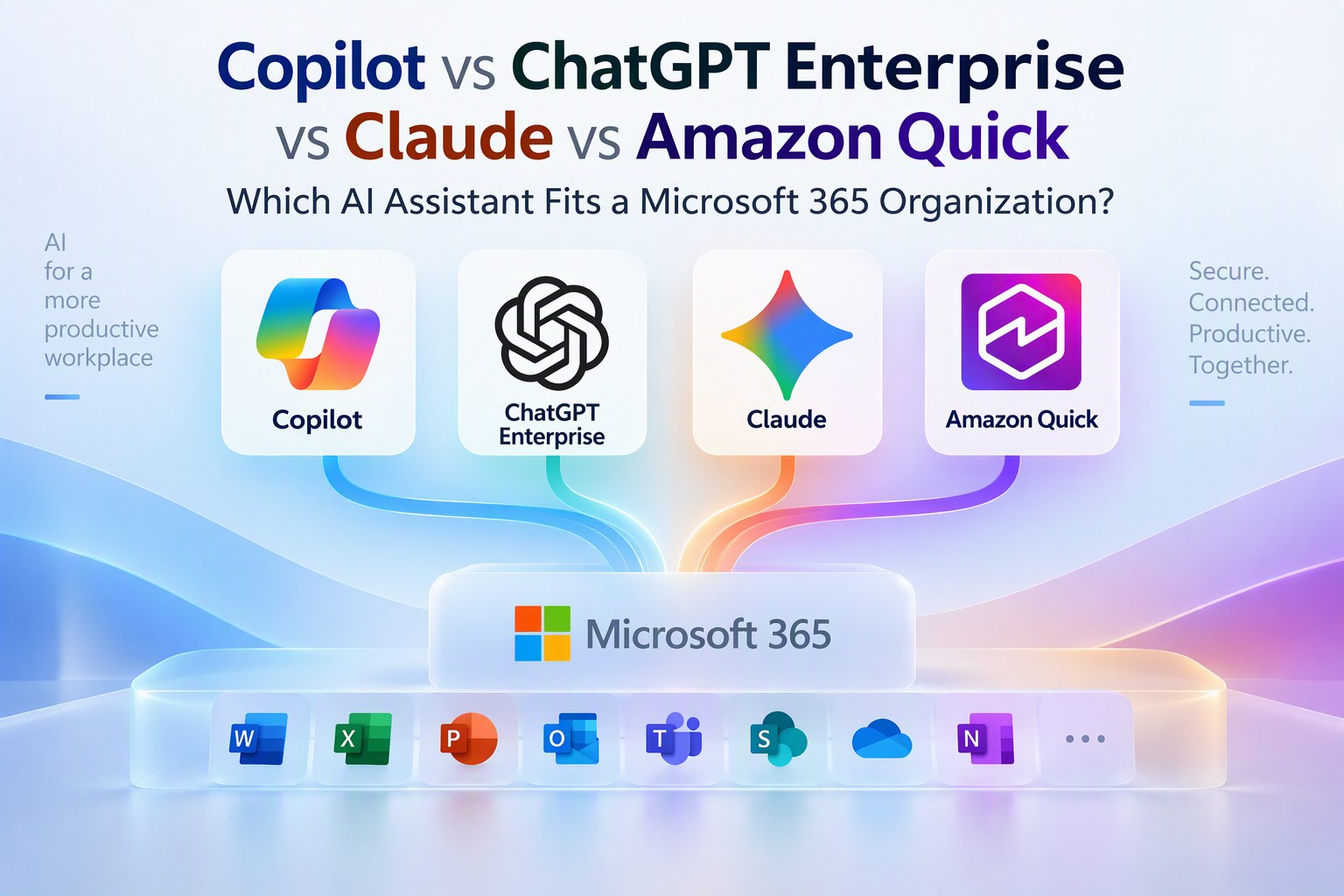
If your organization runs on Microsoft 365, roll out Copilot company wide. Add Claude, ChatGPT Enterprise or Amazon Quick for a specific group with a use case Copilot does not cover.
IT directors and CIOs ask us this in almost every engagement. Copilot, ChatGPT Enterprise, Claude and Amazon Quick are all secure enterprise assistants. They differ in where people use them, how they reach Microsoft 365 data, and how they bill. This guide compares them for a Microsoft 365 organization and sets out the pilot plan we use before any rollout.
The short version
- Copilot works inside Word, Excel, PowerPoint, Outlook, Teams, SharePoint, OneDrive and Forms, and offers both GPT and Claude models.
- ChatGPT Enterprise, Claude and Amazon Quick reach Microsoft 365 through connectors, mostly from their own chat window.
- Enterprise plans of all four keep your business data out of model training.
- Published seat prices range from US$20 to US$30 per user per month. Usage billing on top of the seat is where costs differ.
- Copilot Cowork bills in Copilot Credits on top of the licence, so start it with a trained pilot group.
Copilot vs ChatGPT Enterprise vs Claude vs Amazon Quick: what is the difference?
Copilot is built into Microsoft 365, and the other three connect to it from outside. That shapes the user experience, the governance work and the training plan.
| Microsoft 365 Copilot | ChatGPT Enterprise | Claude Enterprise | Amazon Quick | |
|---|---|---|---|---|
| Where people use it | Inside Word, Excel, PowerPoint, Outlook, Teams, SharePoint, OneDrive, Forms and OneNote | ChatGPT app and web | Claude app, plus add ins for Excel, Word and PowerPoint | Quick app, plus extensions in Microsoft 365 apps |
| How it reaches Microsoft 365 data | Natively, through Microsoft Graph and Work IQ | Connectors for Outlook, Teams and SharePoint | Microsoft 365 connector for email, calendar, SharePoint, OneDrive and Teams | Connectors and Microsoft 365 extensions |
| Models | OpenAI GPT and Anthropic Claude | OpenAI GPT | Anthropic Claude | Managed by AWS |
| Pricing model | Fixed seat, with agentic work billed in Copilot Credits | Negotiated with OpenAI | Seat plus usage at API rates | Seat plus account fee and agent hours |
| Best fit | Company wide use in a Microsoft 365 organization | Groups already skilled in ChatGPT | Writing, analysis, and Claude Code for developers | Organizations built on AWS |
Sources: Microsoft Copilot overview, Claude for Microsoft 365, ChatGPT connectors, Amazon Quick pricing. For the AWS option in more depth, see Amazon Quick vs Microsoft Copilot.
What Copilot does inside Microsoft 365
Copilot sits in the apps people already have open all day. These are the examples we show in every rollout.
- SharePoint. Copilot in SharePoint creates pages, lists and libraries, answers questions across a site, and builds simple workflows from a plain language request. Users can also build agents on a site's content.
- OneDrive. Copilot summarizes and compares files and answers questions about them without opening each one.
- Forms. Copilot drafts the questions for a survey or poll from a short description.
- Word, Excel, PowerPoint, Outlook, OneNote and Teams. Drafting, data analysis, slide creation, email summaries and meeting recaps happen where the work already is (Microsoft Learn).
Copilot also gives users a choice of model. Microsoft added Anthropic's Claude to Copilot in June 2026 alongside OpenAI GPT models, and Copilot Cowork runs on both. Our post on Claude in Copilot Cowork explains what that means for IT.
How Copilot fits your security and compliance controls
Copilot runs inside the Microsoft 365 controls your security team already manages. Under Microsoft's enterprise data protection, Copilot follows your identity model and permissions, inherits sensitivity labels, applies retention policies and supports audit. Microsoft Purview DLP can stop Copilot from processing labelled files and prompts that contain sensitive information.
There are two details to plan for. Copilot shows each user only the content that user can already open, so oversharing in SharePoint surfaces quickly once Copilot is live. Review permissions before rollout. Anthropic models are also off by default for EU and UK tenants, which matters if you operate there.
How ChatGPT Enterprise, Claude and Amazon Quick connect to Microsoft 365
All three reach Microsoft 365 content from outside the apps.
Claude's Microsoft 365 connector reads Outlook email and calendar, SharePoint and OneDrive documents, and Teams chats, limited to what each user can already see. Admins can enable write tools for drafting email and updating files. Claude also offers add ins for Excel, Word and PowerPoint, with Outlook in beta. ChatGPT connects to Outlook, Teams and SharePoint. Amazon Quick adds extensions inside the main Office apps, which we cover in Amazon Quick inside Microsoft 365.
In our rollouts, people using these tools still do most of their work in the chat window and bring Microsoft 365 content to it. That suits a focused group well. For thousands of employees who spend the day in Outlook and Teams, an assistant inside those apps removes a step from every task.
Each alternative has real strengths. Claude produces excellent writing and analysis, and Claude Code is a strong tool for developers. Many employees already know ChatGPT. Amazon Quick suits organizations built on AWS.
What each AI assistant costs per user
Published seat prices are close. How each vendor bills usage on top of the seat is where budgets differ.
| Tool | Seat price (US$) | What adds cost |
|---|---|---|
| Microsoft 365 Copilot | About $30 per user per month, fixed | Copilot Credits for Cowork and advanced SharePoint and OneDrive work, $0.01 each on pay as you go |
| Microsoft 365 E7 | $99 per user per month, bundling E5, Copilot and Agent 365 | The same Copilot Credit model |
| ChatGPT Enterprise | No public list price | Negotiated with OpenAI sales |
| Claude Enterprise | $20 per seat per month billed annually, 20 seat minimum | Usage billed at API rates |
| Amazon Quick Professional | $20 per user per month, plus $250 per account | Enterprise tier is $40 with 18 agent hours; extra hours cost $3 each |
Sources: TrustedTech, The Register, Anthropic, AWS. Confirm current prices with each vendor.
Why we hold back Copilot Cowork
The Copilot licence is a fixed monthly fee, which keeps budgeting simple. Copilot Cowork draws on Copilot Credits. Admins grant access through spending policies, and once prepaid credits run out, usage continues on pay as you go. Spend can grow quickly.
Cowork use cases in large organizations are specific and need planning. We recommend training a pilot group, choosing the use cases, and setting per user spending limits before opening access. Our posts on Copilot Chat vs Copilot Cowork and Copilot Cowork governance cover the setup.
One AI assistant or several?
You can run more than one assistant, as long as each one has a clear reason. Gartner research summarized by Glean found that 92 percent of IT leaders are prioritizing two or more assistants, and organizations use three on average.
We often see organizations buy AI tools before they understand the investment they already made. Each extra tool adds licences to track, security reviews, spend to manage and another training program. Everyone has a favourite tool, and IT's role is to decide what works best for the organization.
Our decision rule:
- Company wide assistant: Copilot, if Microsoft 365 is your core platform.
- Second tool: approve it when a defined group has a use case Copilot does not cover well, such as Claude Code for developers, design work, or a data source Copilot cannot reach, and someone owns its licences, training and governance.
Do these tools train on your company data?
No. Microsoft, OpenAI and Anthropic all state that enterprise prompts and data are kept out of model training. The tools use your data to answer the person asking, and prompts stay private to your organization. Free consumer versions carry the risk, because their terms can allow training on what people type.
How to stop shadow AI before you roll out
A municipal client we spoke with recently found staff using AI tools before Copilot had launched. A pilot with an approved enterprise tool brings that use into the open. It also shows IT what the tools mean in its own environment: reliance on the cloud, training needs, ownership, and the use cases that matter most.
How to run a 6 to 8 week AI assistant pilot
- Do the groundwork. Check where your files live, how SharePoint permissions and sensitivity labels are set, and whether security controls are ready.
- Ask a sponsor and managers to nominate the group, so the pilot reflects real roles across the business.
- Share expectations in writing: time commitment, expected return, and what each person reports at the end.
- Spread learning sessions across the weeks. One session is too little for new habits to form.
- Pair each learning session with a use case session where people bring their own work and questions.
- Run the program for 6 to 8 weeks and gather what the business says about where the tool helps.
- Use that evidence to plan the wider rollout and decide whether any group needs a second tool.
The sequence follows PROSCI's ADKAR model. The sponsor message builds Awareness, clear expectations build Desire, learning sessions build Knowledge, use case sessions build Ability, and managers provide Reinforcement once the pilot ends. Our use case driven adoption guide shows how to choose the use cases.
"Everyone has their own preferences. It's the job of IT to find out what's best for the organization."
What IT leaders should do next
- 1
List the AI tools in use today, approved or unapproved, and the licences you already pay for.
- 2
Review SharePoint permissions, oversharing and sensitivity labels.
- 3
Make Copilot the default company wide assistant if Microsoft 365 is your core platform.
- 4
Keep Copilot Cowork for a trained pilot group with per user spending limits.
- 5
Approve a second tool only with a named use case and an owner.
- 6
Run the 6 to 8 week pilot, then measure results with our Copilot ROI model.
How Change Champions helps
Since 2013 we have helped more than 500 organizations and 60,000 users adopt new technology, using PROSCI and ADKAR. We are a Microsoft partner and also deliver Amazon Quick programs, so our advice follows the tool that fits your work.
- Microsoft Copilot adoption pilots and company wide rollouts
- AI enablement for organizations using more than one assistant
- Copilot Prompt a Thons and Cowork Skill a Thons
- Show Me sessions and Let Me Try workshops built on your own use cases
Ready to turn rollouts into real adoption?
Whether you're driving Microsoft 365 and AI adoption, reducing human risk, or leading a change program, a 30 minute discovery call is the fastest way to see if we're a fit.